Your crew visible in the plan. Your evidence kept on the record.
Your gangs sit on the live map in your company’s colour, clash warnings reach you before the shift — and the same record that protects the site protects your firm when the delay wasn’t yours.
How the day actually runs.
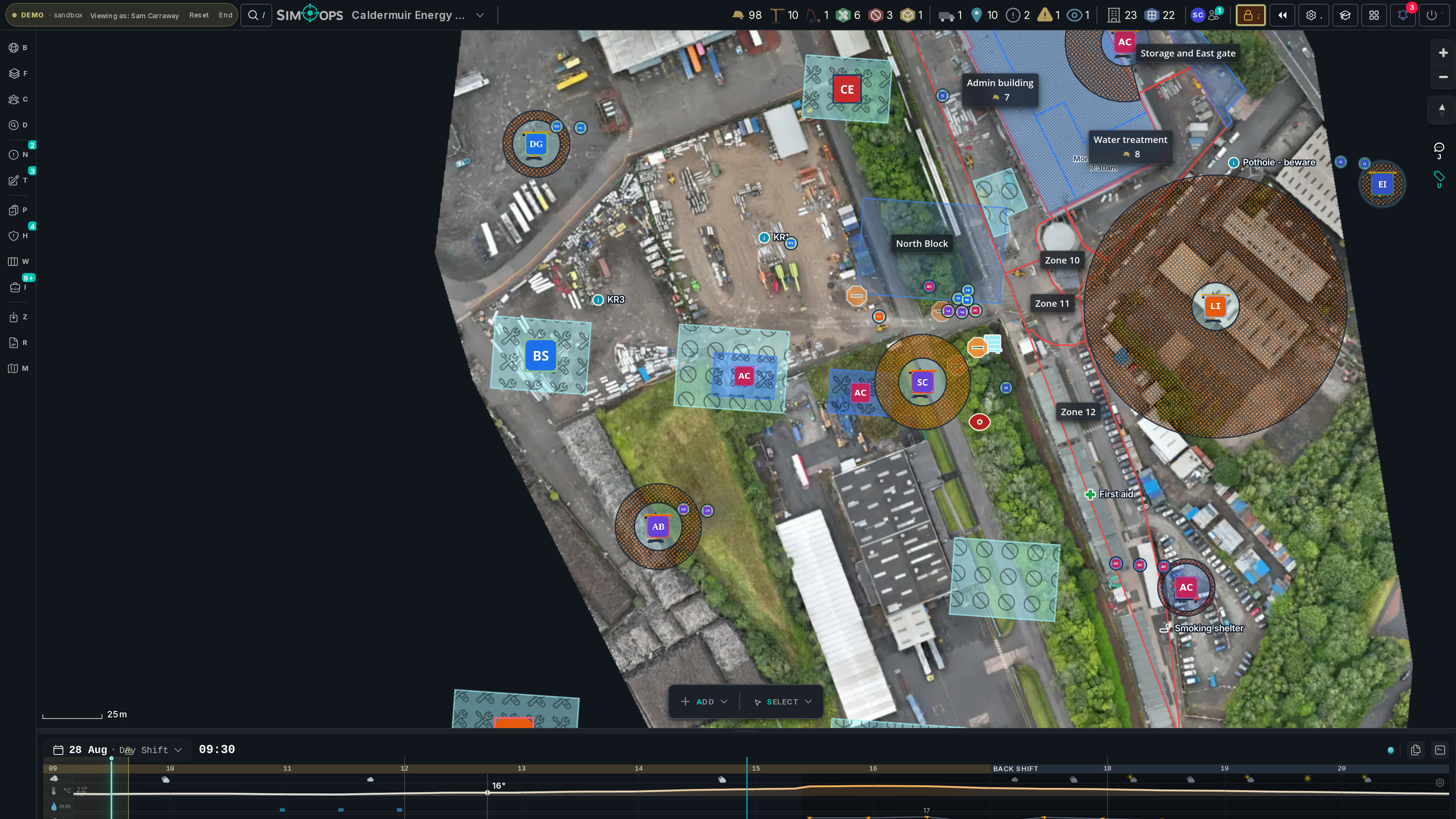
- 06:55
Your crews, your colour
Every gang, plant item and delivery you run, on the live map in your firm’s colour — the same picture the coordinators plan against, not a version of it you get told about later.
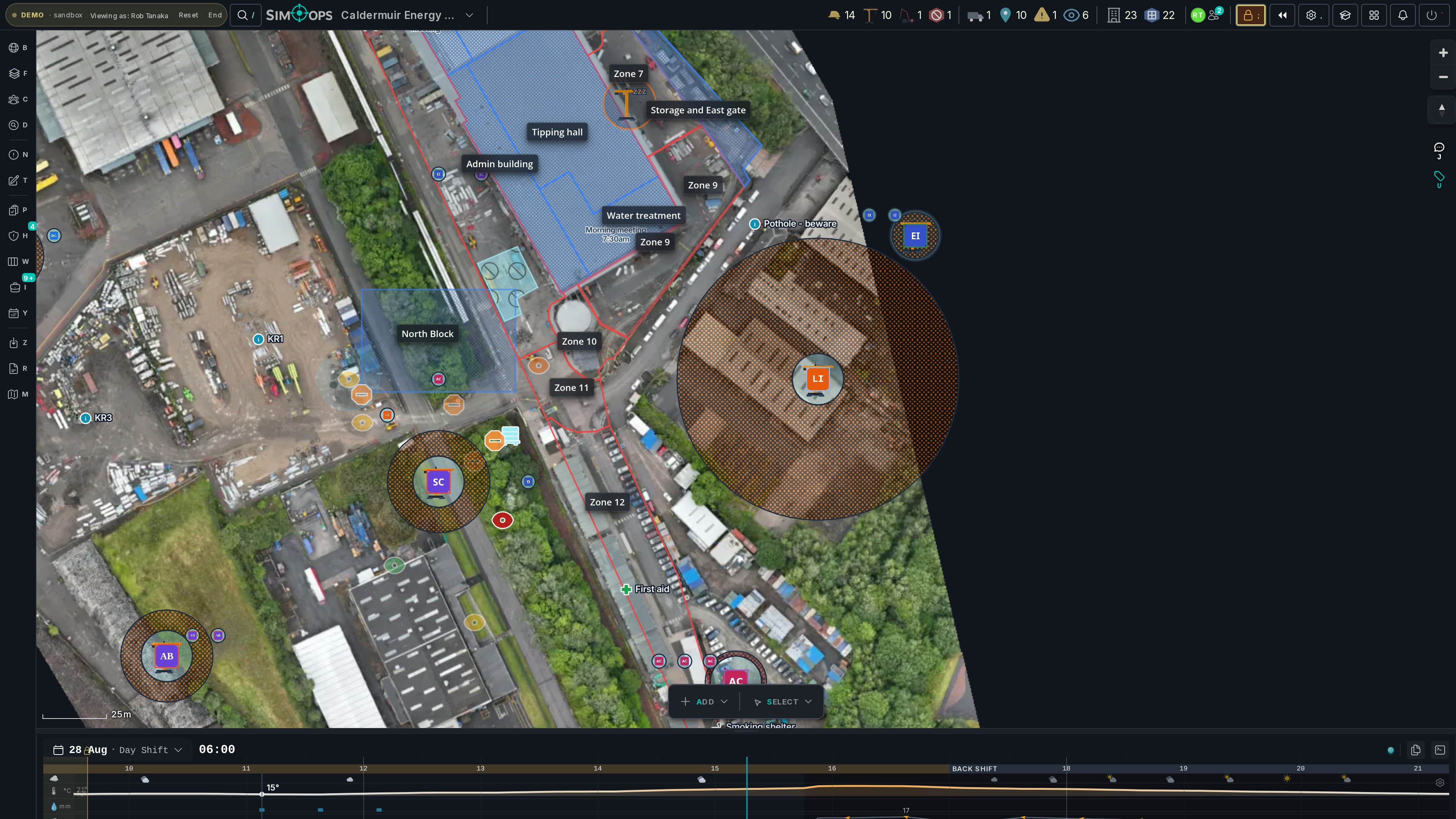
- 08:10
Warned before the shift
A crane exclusion drifts over your gang’s work window and the clash surfaces before anyone walks out — a warning on a plan, not an entry in the accident book.
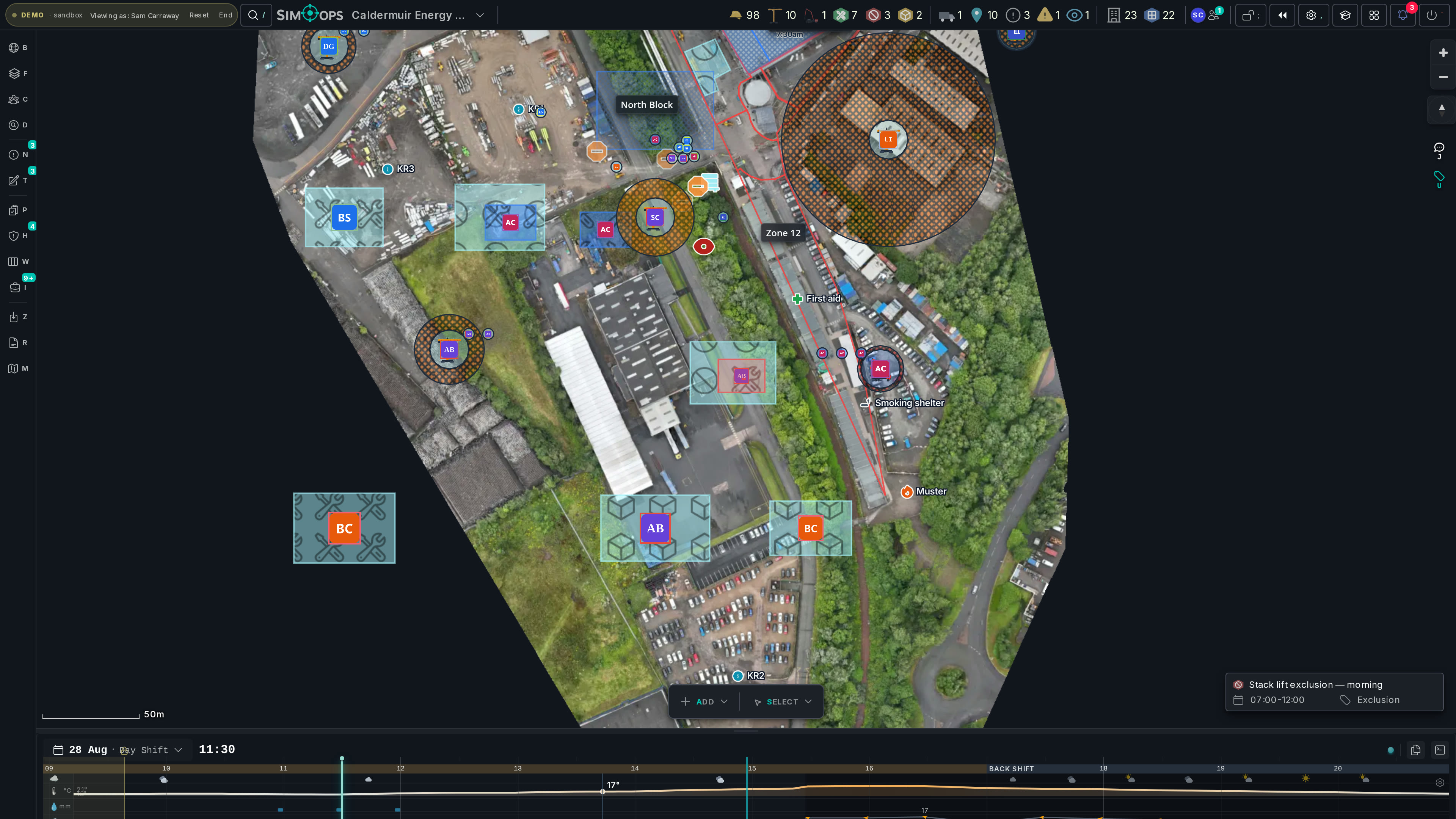
- 09:30
Sign the crew onto the RAMS
At the workface, the crew scans the QR, reads the briefing on their own phones and signs on — the register fills row by row, against the exact revision your permit was approved on.
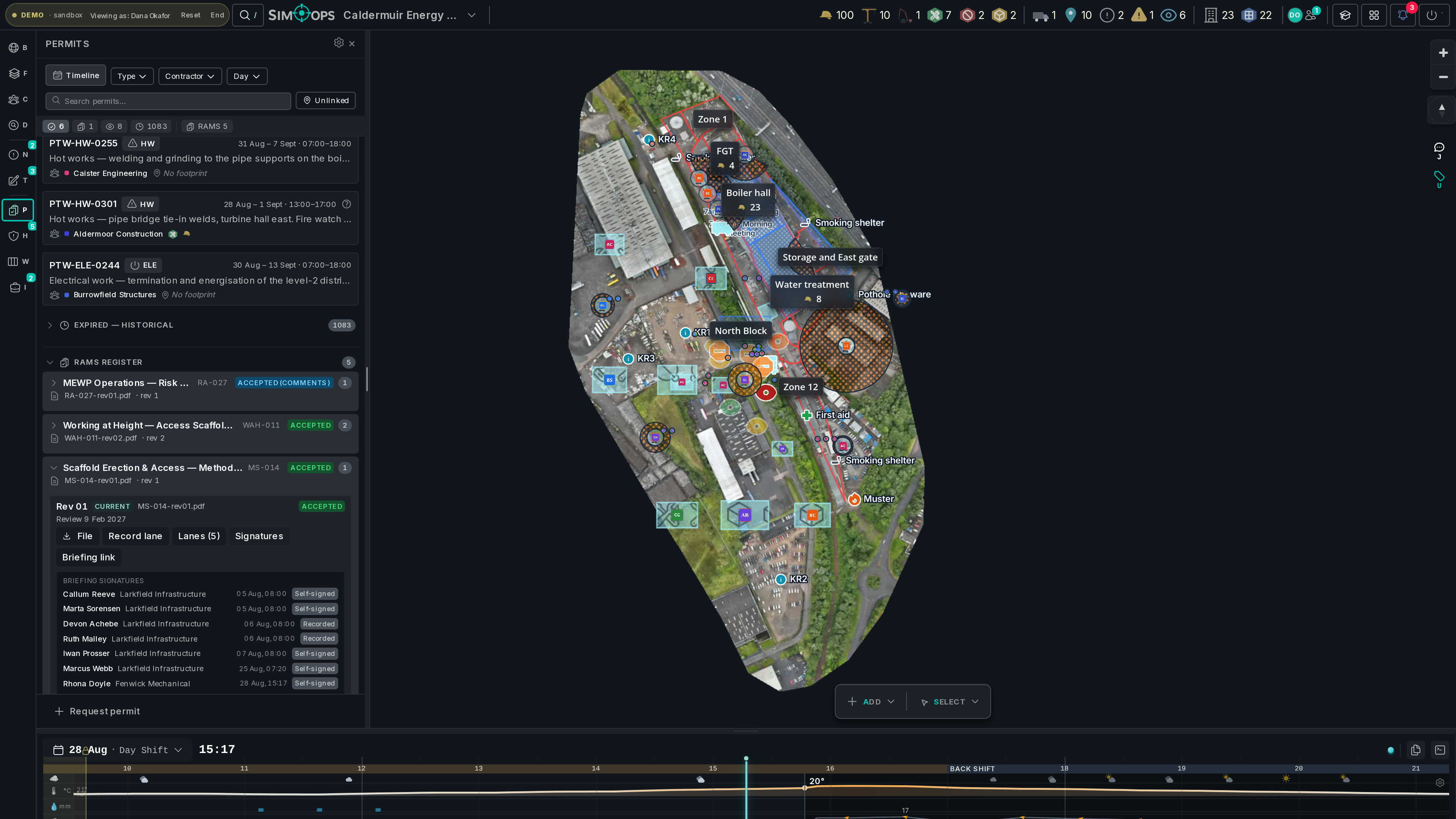
- 12:40
The photos file themselves
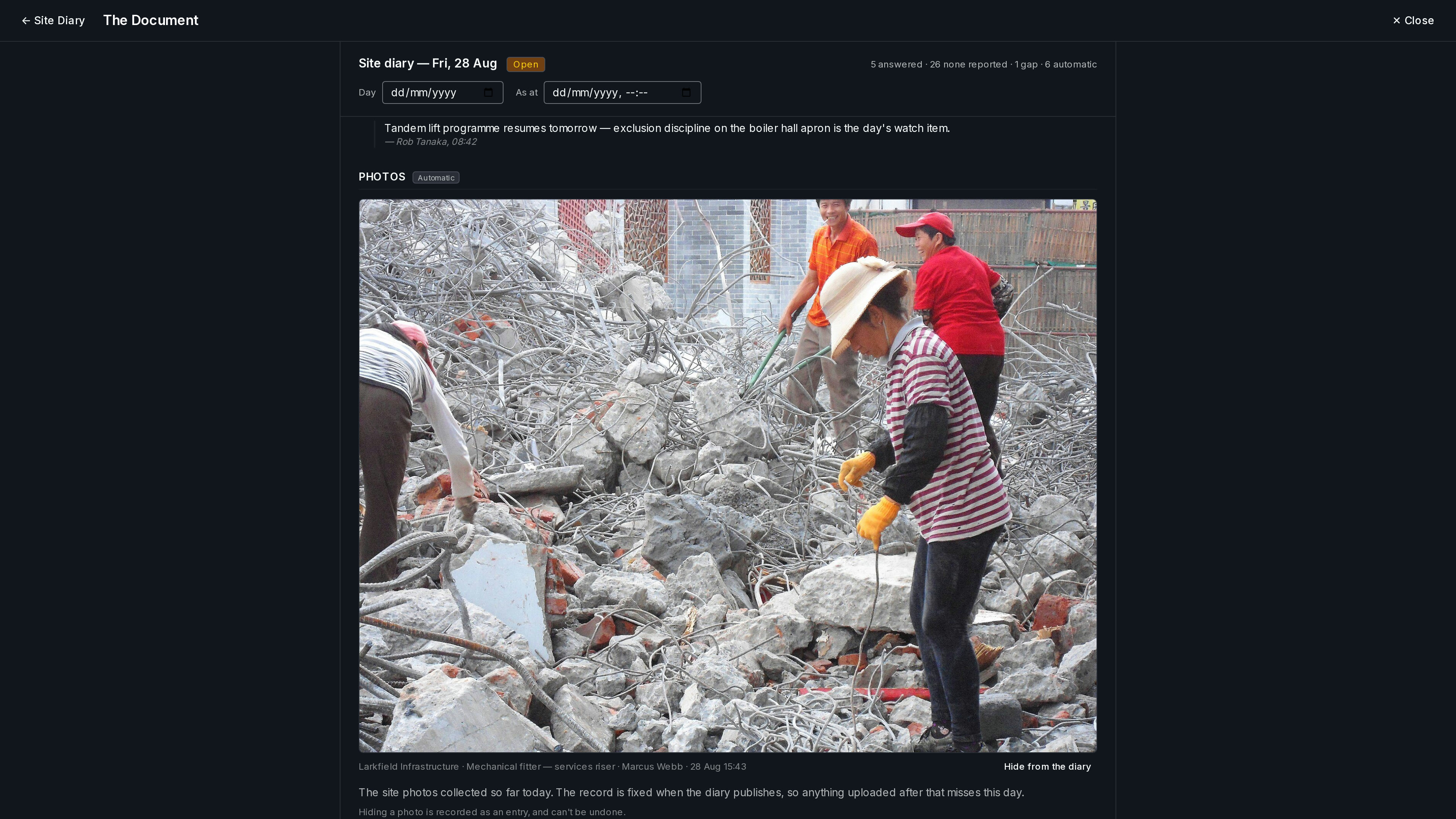
Your supervisor’s phone home screen is the site in their pocket — and the day-photos they take at the workface harvest straight into the site’s daily record, stamped and attributed. The as-built evidence accumulates without an evening of uploading.
- 15:20
Raise the stoppage while it’s true
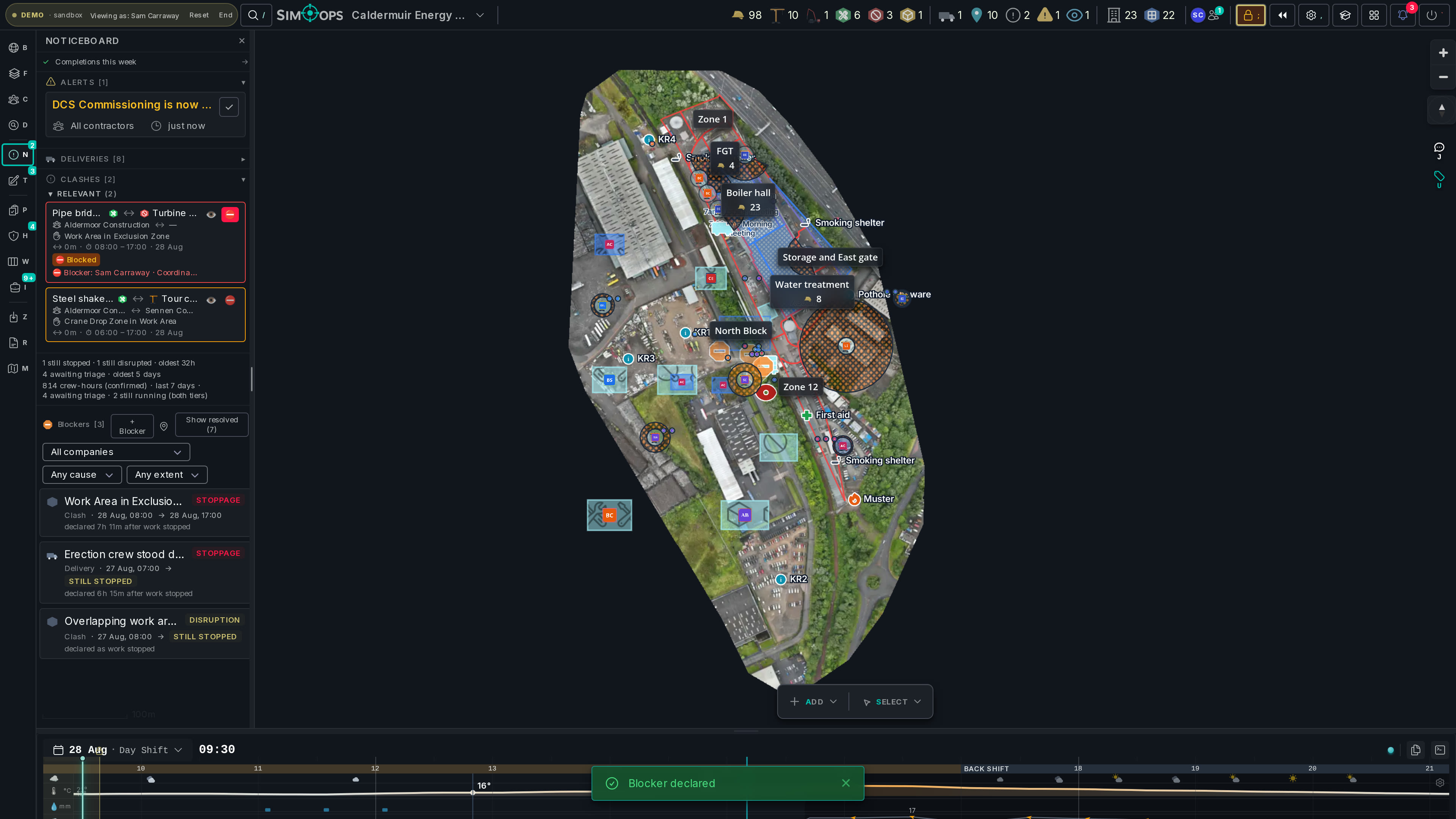
Access not ready? Raise the stoppage the moment it happens — cause, affected permits, the actual window. It enters the record through the site’s confirmation gate, countersigned or disputed in the open. When the delay wasn’t yours, you can finally prove it.
You've said these words before.
“Nobody told us about the crane.”
Your crew lives in the same live model as everyone else’s work, so the clash that involves you reaches you — before the shift, not after the near miss.
“RAMS approval is a black hole.”
Upload in-app and watch the package move through the discipline review lanes — you see exactly which desk it sits on and for how long, instead of chasing by email.
“Permits arrive by email chain.”
Request permits in the app and track them through the gates. The issued permit carries its window, its zone and its RAMS link — one thing, not five attachments.
“When the delay wasn’t ours, we couldn’t prove it.”
Stoppages are raised at the time, photo-backed, and pass through the site’s confirmation gate onto the record — countersigned or formally disputed, and feeding a crew-hours lost-time ledger that shows your firm’s position. Not a letter written three months later.
“The PC’s system treats us as suspects.”
Honestly: it’s a company-scoped seat, not a keys-to-everything one. But your drafts are yours alone, your evidence is kept with the same weight as theirs, and the shared picture is genuinely shared.
Contractor crews sign in on member seats scoped to their own company — full control of your work, a clear view of the shared picture.
Your seat can
- Create and edit your company’s work areas, plant, people and deliveries
- Request permits and upload RAMS packages into the review lanes
- Raise observations and close out your actions with photo evidence
- Raise stoppages into the site’s confirmation gate, and record completions — evidence that belongs to you too
- Raise snags and close your own out — photo-gated, self-certified
- Read the defects register where it names your firm, and the lost-time position your stoppages built
Not this seat
- Edit other firms’ work, or see their private drafts
- Confirm your own stoppages, issue permits or sign safety verdicts — those are the site’s gates
The asymmetry is real and we’d rather state it: the principal contractor runs the gates. What you get is the same live picture they have, and a record that protects your firm as much as the site.
Be on the map, not in the dark.
Open the live demo and find the contractor’s view — or ask your principal contractor to show you your crews in theirs.
No install · runs in the browser · scrubbed demo data