07:12. You already know today’s three problems.
SimOps runs the coordination day: the noticeboard has triaged the night’s clashes before the huddle, the permit board carries your endorsements, and the briefing writes itself.
How the day actually runs.
- 07:12
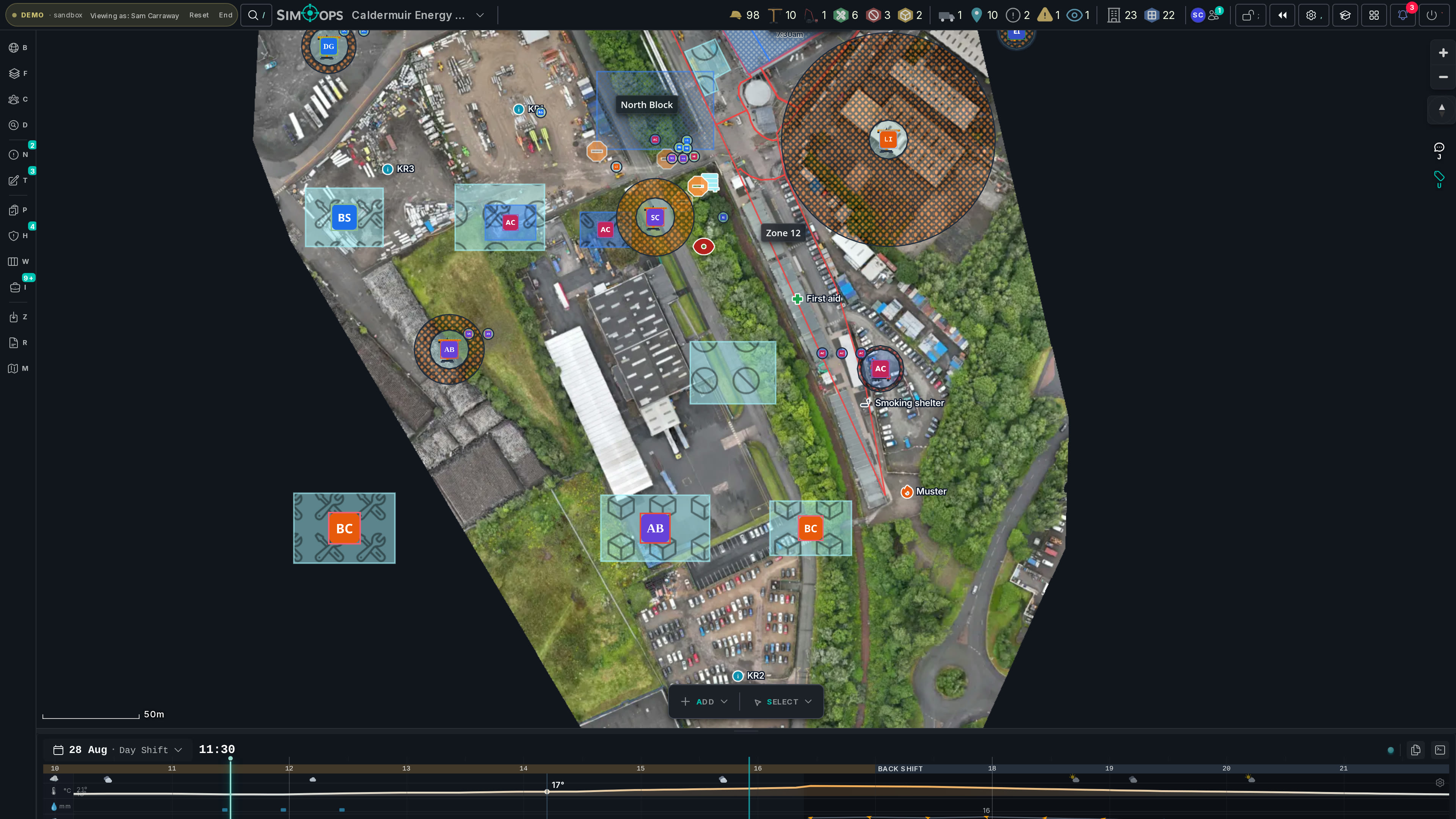
Triage the night on the noticeboard
The noticeboard has already ranked every clash by severity, with imminent ones badged and sorted to the top. You walk into the huddle knowing today’s three problems — not hunting for them.
- 09:40
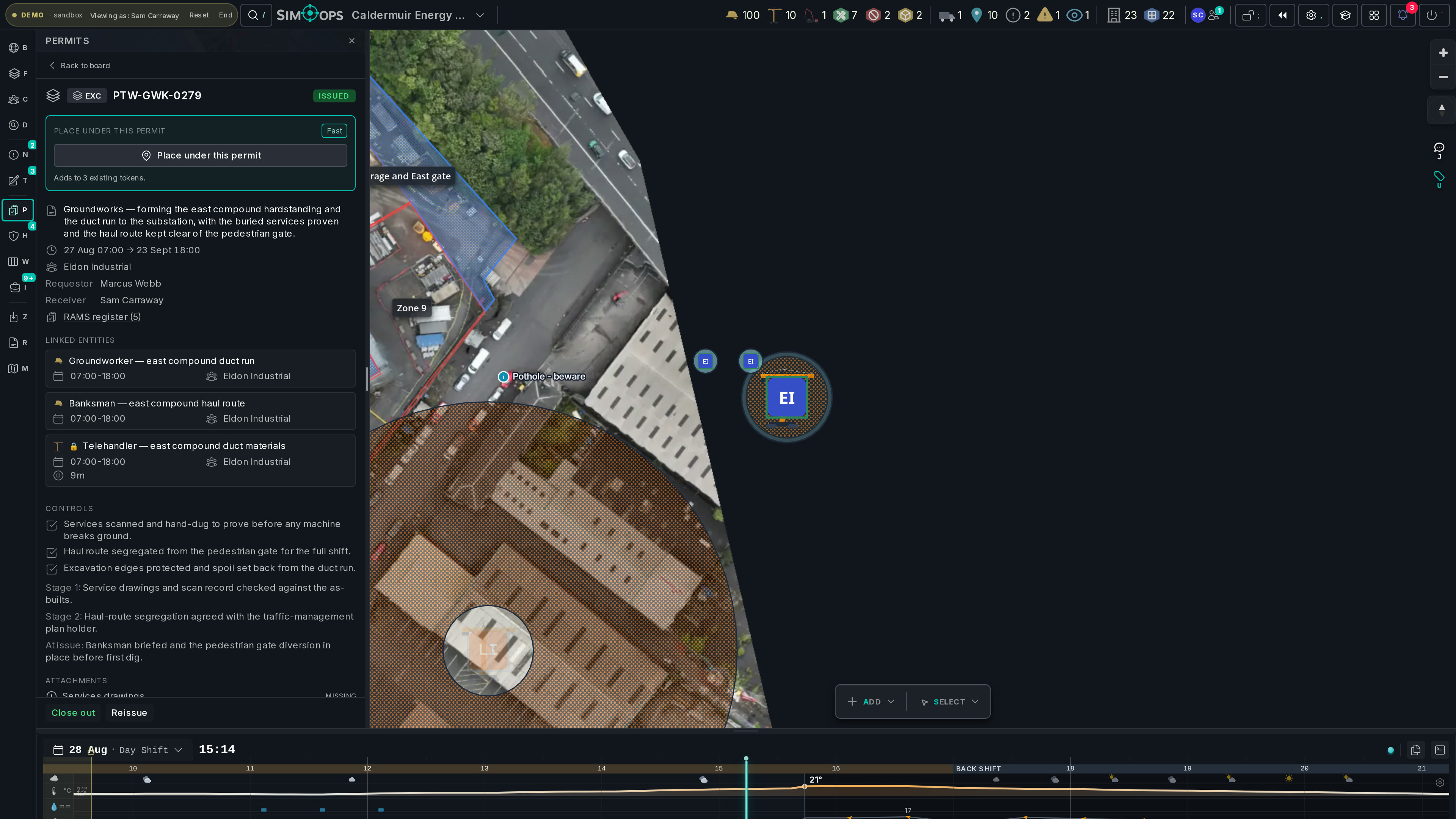
Work the permit board
Requests wait at your stage-1 gate with their windows, zones and RAMS already linked. Endorse, bounce, or tighten a window — the board carries the state so your inbox doesn’t.
- 11:04
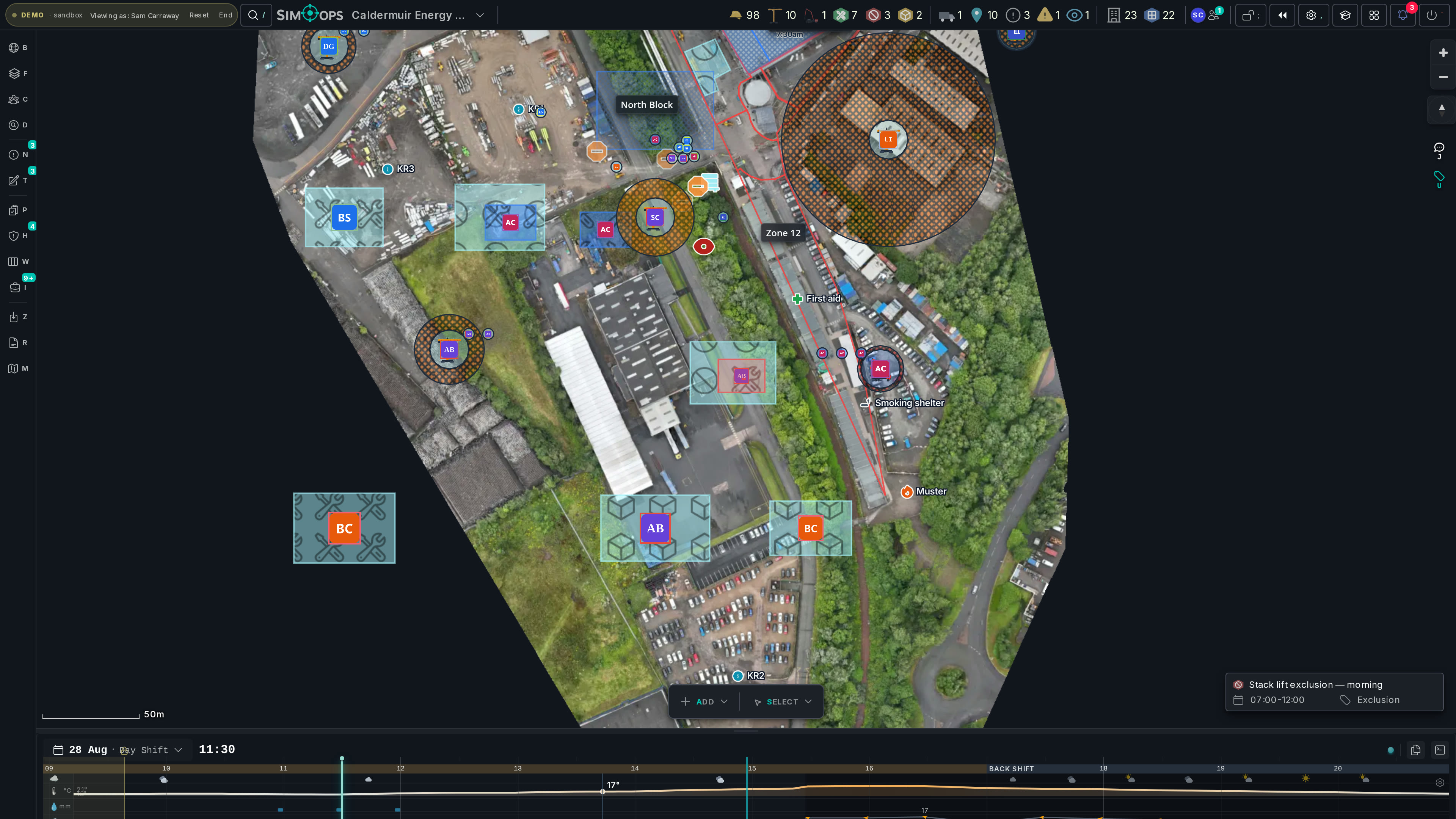
Move Thursday before it happens
A contractor shifts a work window and a red clash lights up — three days ahead, on the plan, not on the ground. Slide the window an hour and it clears. Nobody ever stands in that clash.
- 16:00
The briefing writes itself
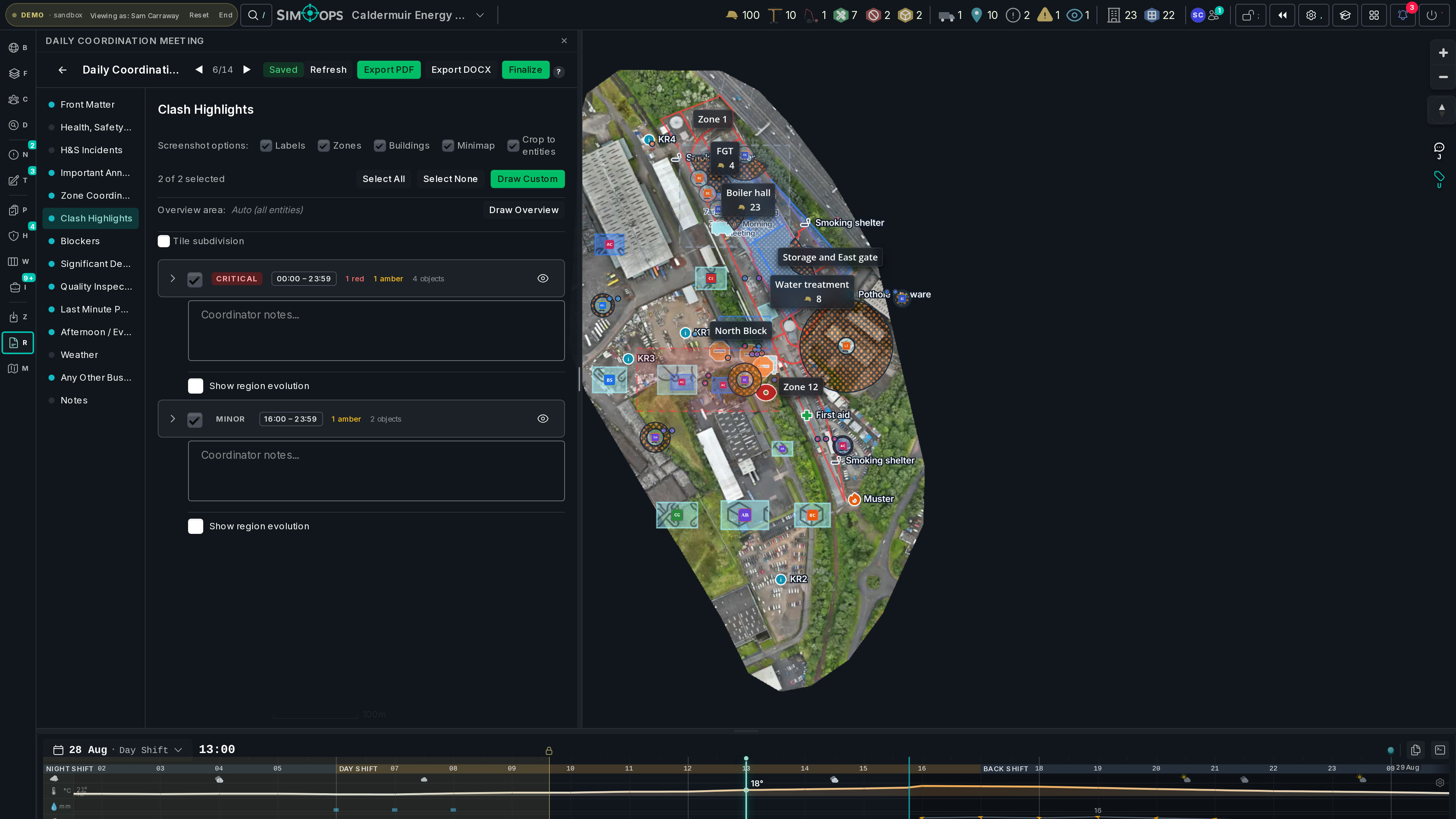
The report wizard has ranked the day’s clash scenes by severity, cross-contractor impact and density. Accept the ones worth surfacing; a branded PDF lands ready for tomorrow’s 8am.
- 17:05
Close the day’s diary question
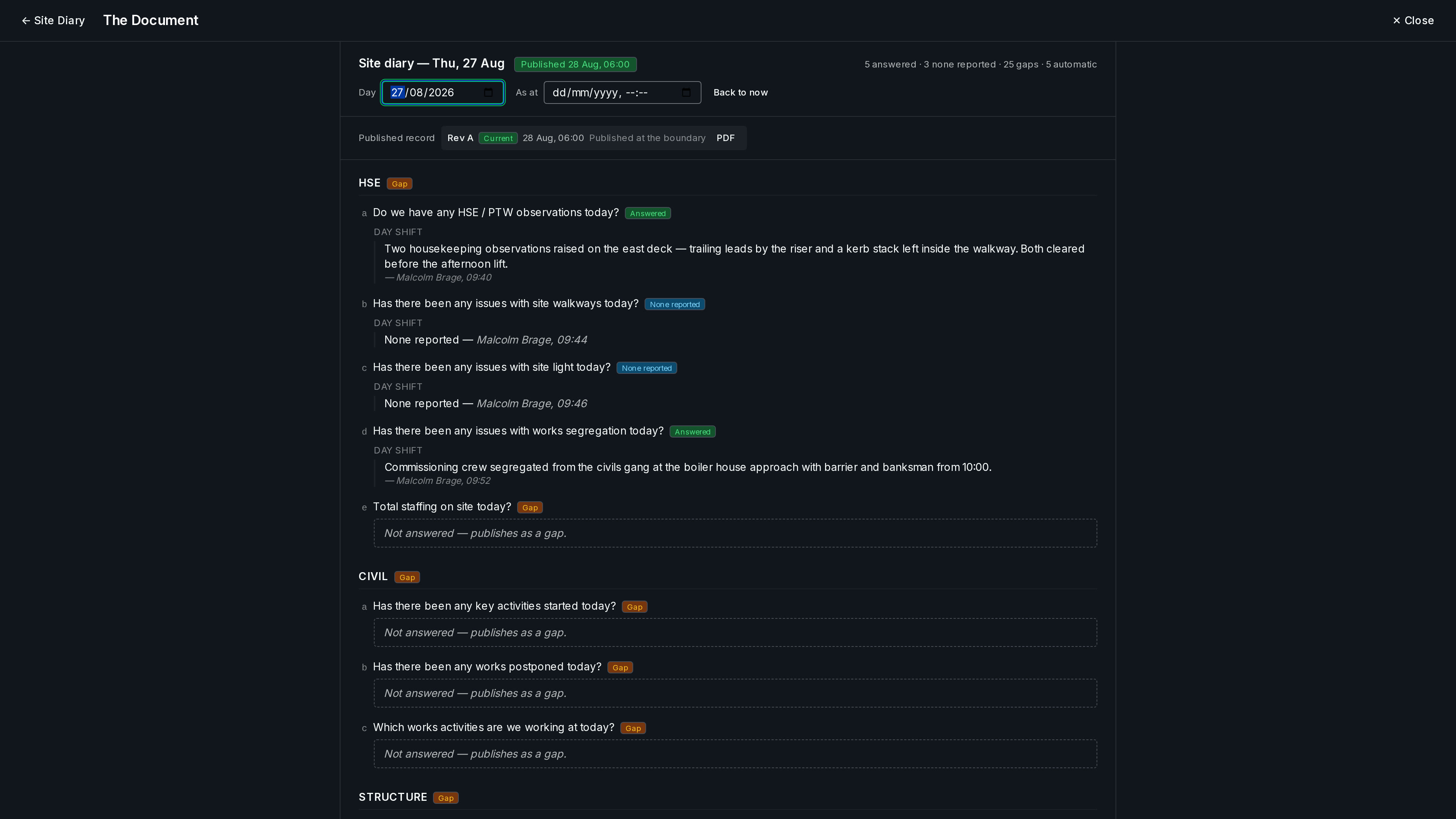
The site diary has already filled its own cells — weather, labour, the permits that ran. What’s left is the one question only a person can answer, and it’s waiting on your phone. Answer it, and the day publishes itself on schedule.
You've said these words before.
“We found it in the morning huddle — too late.”
Clash detection runs on the plan, not on the ground. Conflicts surface the moment a window or an area changes — days before anyone is exposed to them.
“The briefing takes me an hour of screenshots.”
The report wizard ranks the day’s clash scenes, you accept the ones worth surfacing, and SimOps renders the branded PDF or Word doc — map images, decisions and all.
“Cross-contractor coordination is phone-tag.”
Every firm’s work sits on one live map. Presence shows who’s looking, and every change broadcasts to every open session — the phone calls become glances.
“Is the plan on the wall even current?”
The wall plan is a snapshot; the map is the live model. Scrub to any hour — this afternoon, tonight’s shift, Thursday — and see exactly what the site will be doing.
“The P6 programme says one thing. The site does another.”
The Work home’s Reality view aggregates issued permits into a contractor × place × day matrix — read your master programme against what the site is actually doing, place by place, without importing it.
The coordinator seat is the site’s daily driver — broad control over the shared operational picture, deliberately short of governance and H&S verdicts.
Your seat can
- Create and move any contractor’s work areas, plant and people
- Run exports and build the site’s coordination reports
- Hold the stage-1 permit gate — endorse or bounce requests
- Adjudicate the stoppage record: confirm or reject the blockers contractors raise
- Read the Work home’s Reality view: the contractor × place × day matrix
- Keep the site diary’s round and its distribution list, on a principal-contractor membership
Not this seat
- Sign off H&S verdicts — incident approval, observation triage and RAMS decisions belong to the HSE seat
- Mint seats above your own, or author admin governance — HSE, site-manager and admin roles, the admin site settings and notification rules all sit above this seat
The separation is deliberate: the person moving the work is never the person signing off the safety verdicts.
Run tomorrow morning today.
Open the live demo and triage the noticeboard yourself — or bring your permit sheet and we’ll show you your own site, clashes and all.
No install · runs in the browser · scrubbed demo data